Inactivation and Removal of User Profiles
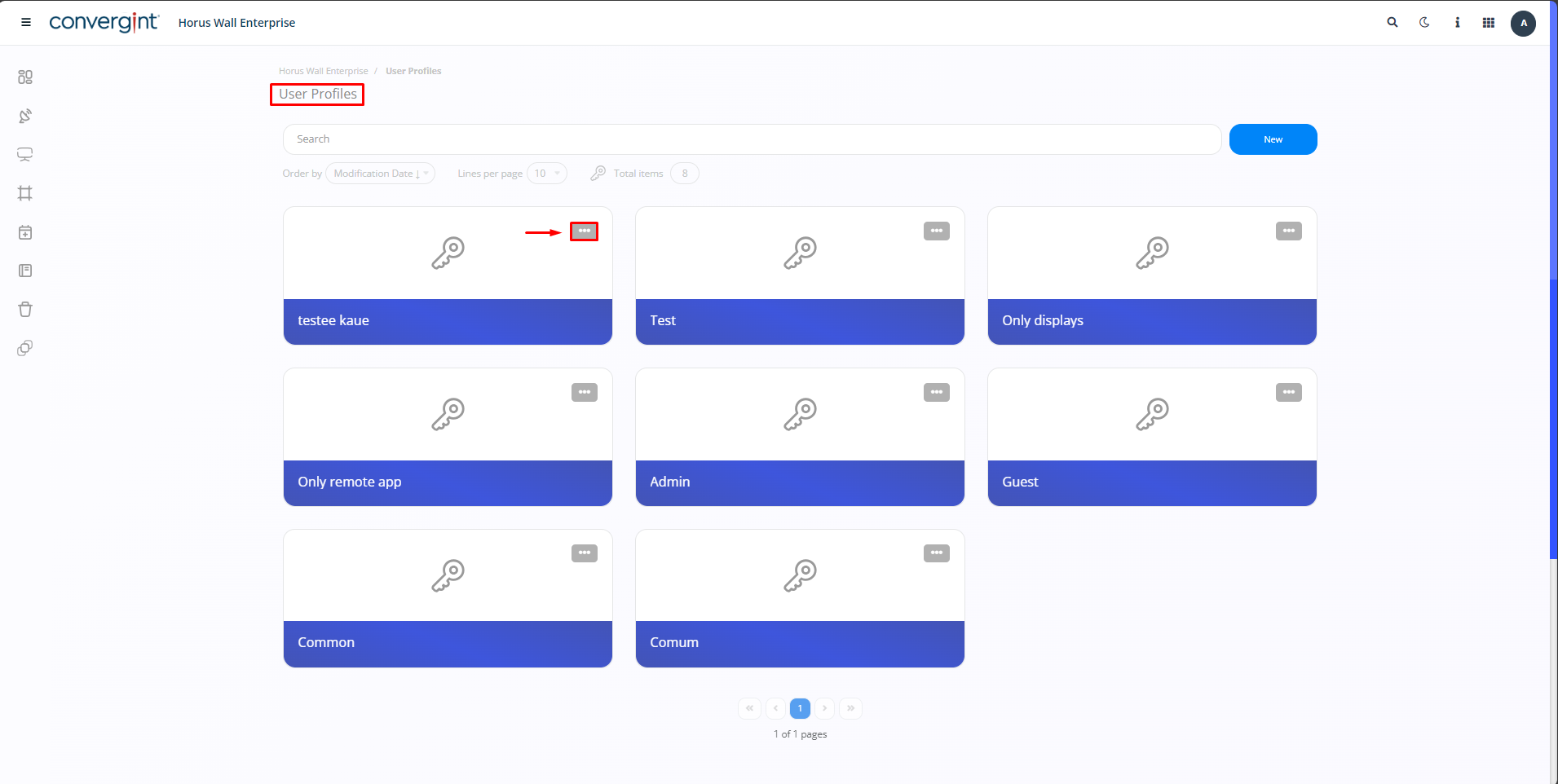
To inactivate or remove User Profiles, you need to go to the “User Profiles” section and click on the “More Options” icon for the User Profile you want to Inactivate or Remove.
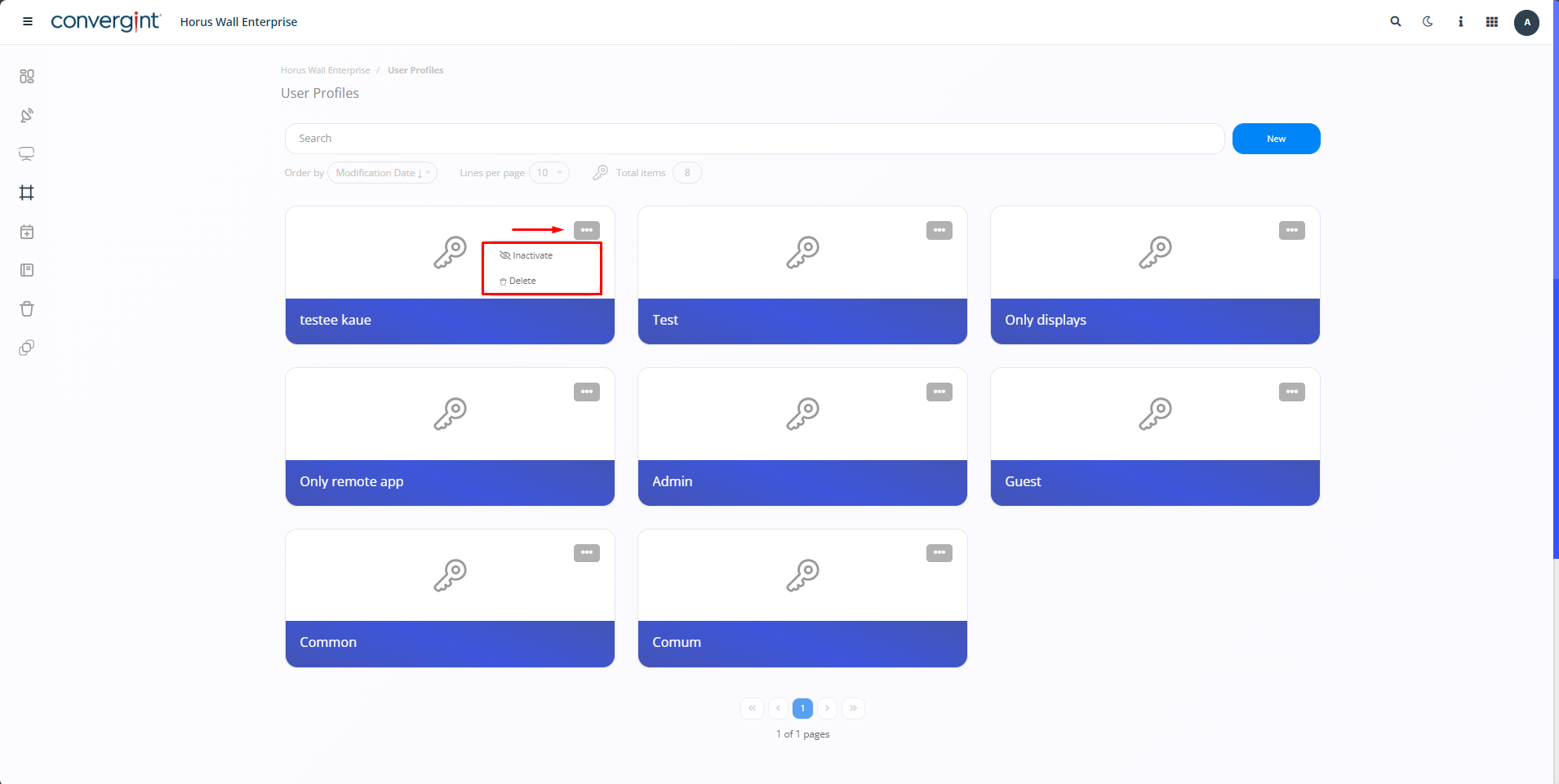
By clicking on the icon, the system will display the “Inactivate” and “Delete” options. Each of these options will have their respective functionalities, and by selecting one of them, the system will carry out the relevant action as established for each option.
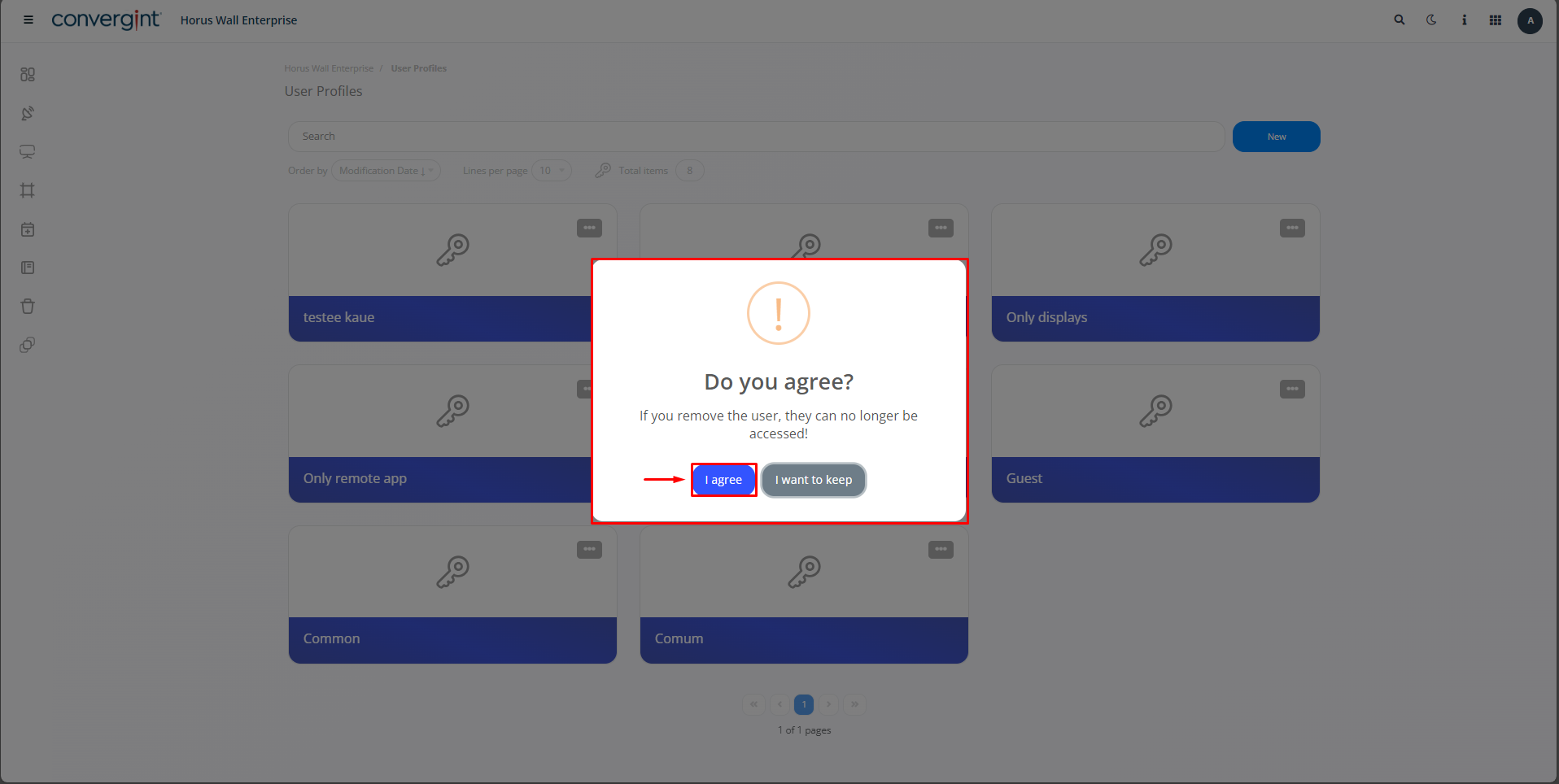
By selecting one of these options, the system will display a “pop up” asking you to confirm the Inactivation or Removal of the User Profiles of your choice. To proceed with confirmation of the chosen option, simply click on “I agree”. Remember that regardless of which action you choose, “Inactivate” or “Delete”, the system will ask for confirmation via a pop-up.
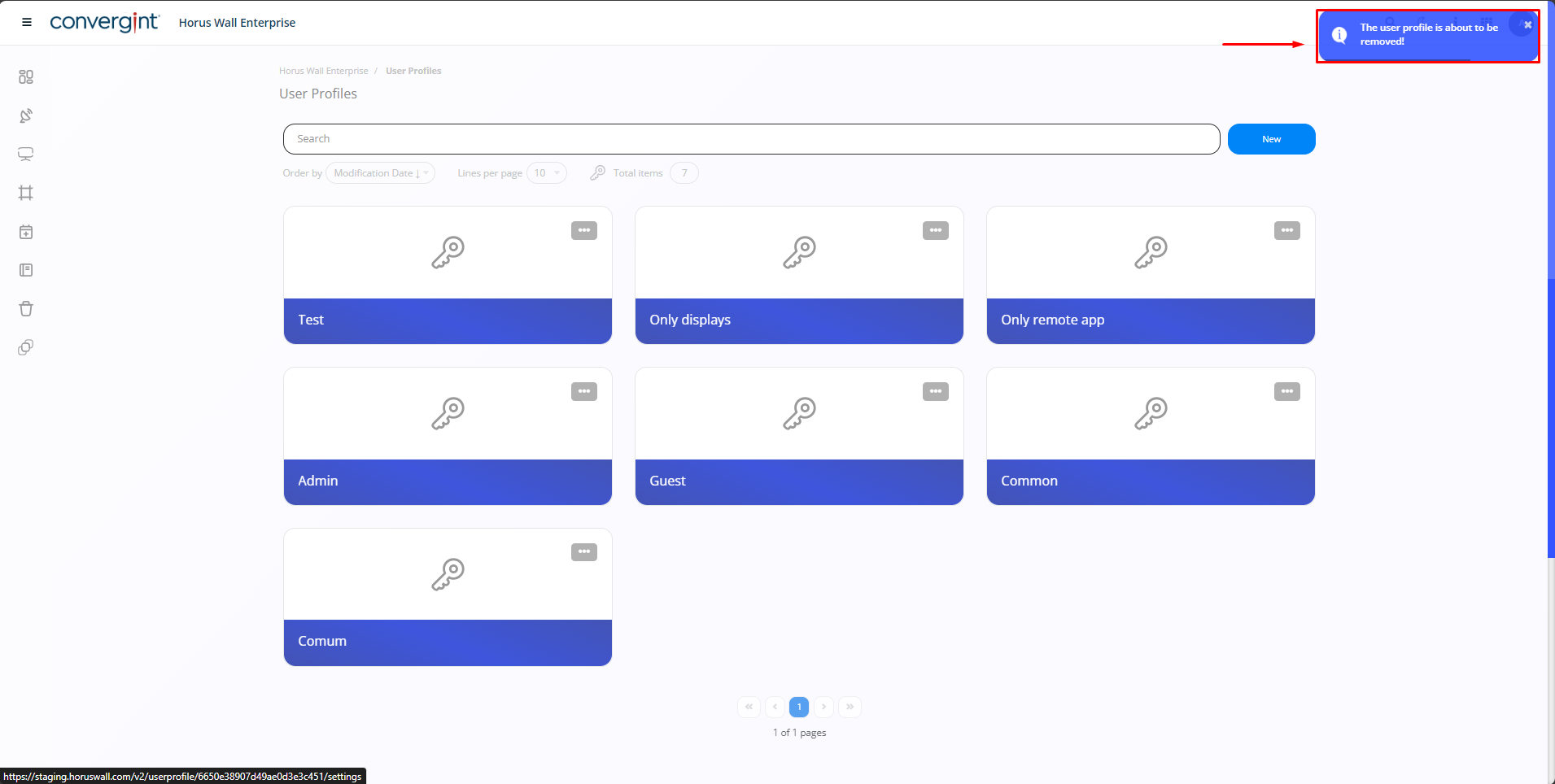
y clicking “I agree”, the User Profile will be inactivated or removed.
observation.: If you want to Activate the User Profile, just follow the same procedure as before.